Proper Tradie logo

How to get quotes approved faster

Approval delays cost you starts and cash flow. Make it easy for customers to say yes from their phone.

6 min read · Published 2025-11-22

Approval workflow graphic

Quote link → SMS verify → terms → approve flow diagram.

Quote link → SMS verify → terms → approve flow diagram.

Send quotes while you are still top of mind

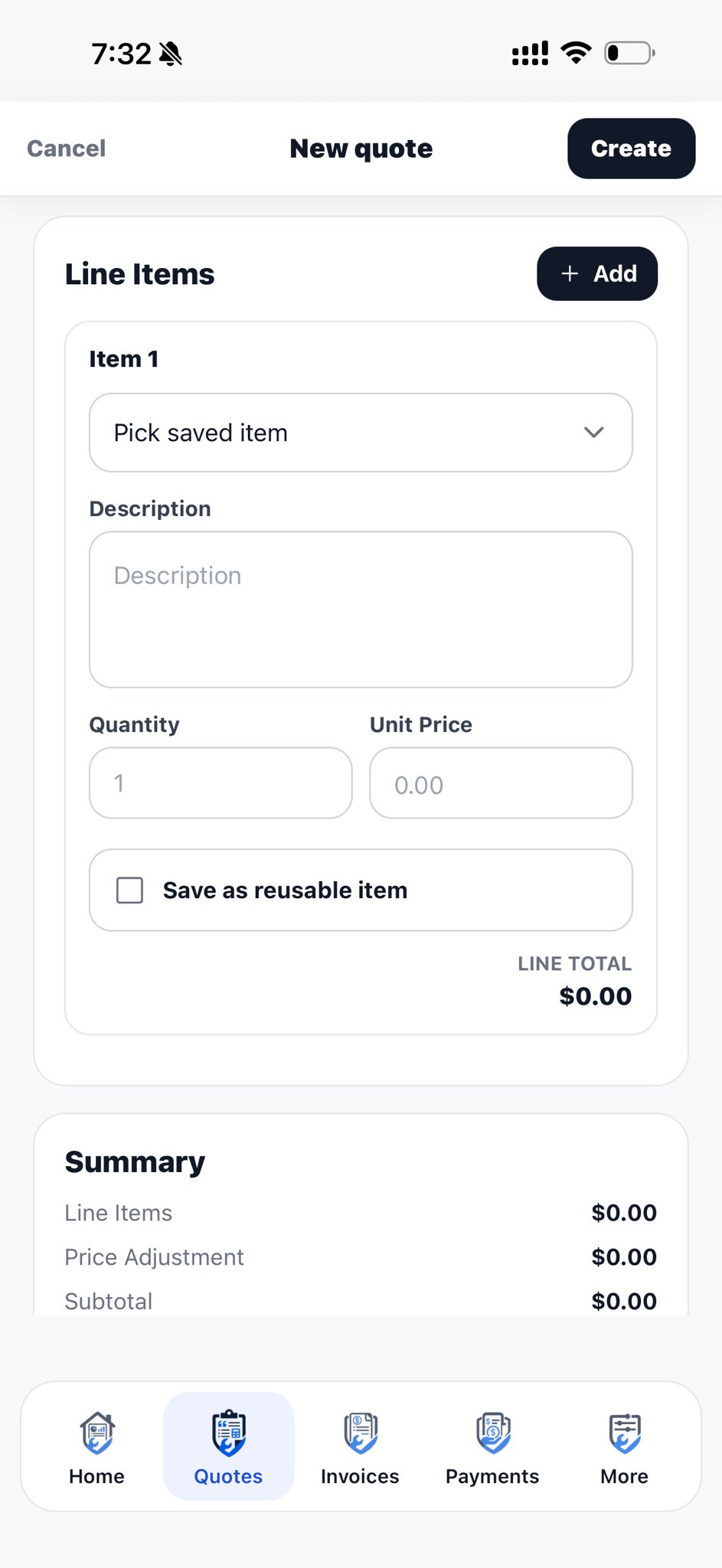
Quote on site before you leave. Customers who wait days for a PDF often shop around or lose urgency.

Mobile quoting means the job details are fresh — you are less likely to forget access constraints or materials.

Use approval links, not attachments alone

PDFs in email get lost. A link opens on the customer's phone in one tap. They see totals, terms and photos in one place.

digital signature on approval confirms the right person signed off — useful when partners or property managers are involved.

Download ProperTradie for your next job

Download ProperTradie from the App Store and start with a 14-day free trial. 20 ProperCredits included when your company first signs up.

Keep scope tight and questions welcome

Ambiguous quotes stall. If options exist (standard vs premium fixtures), show them as separate lines or optional items.

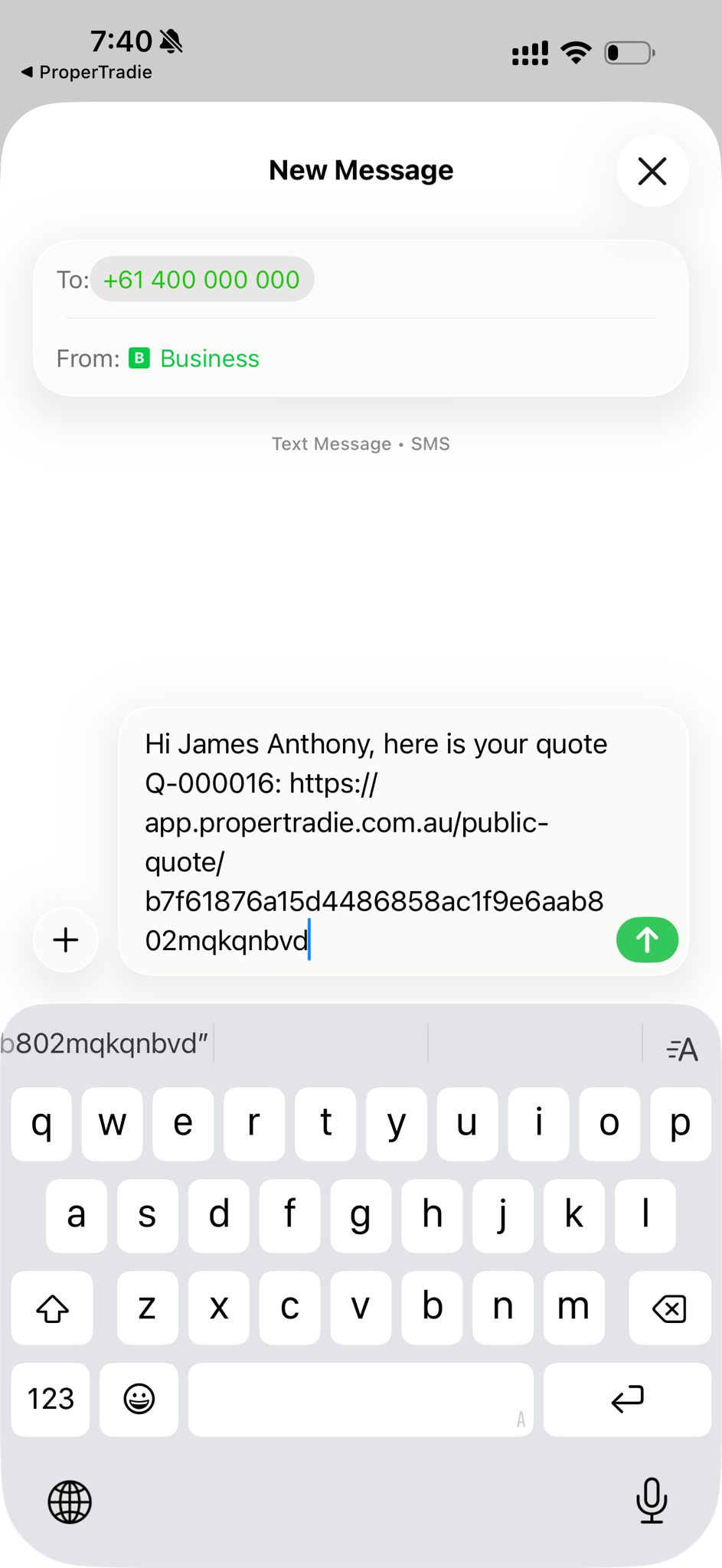
A short follow-up text with the link is fine — ProperTradie prefills SMS from your number.

Related ProperTradie pages

Ready to quote smarter?

Download ProperTradie from the App Store and try it on your next job.